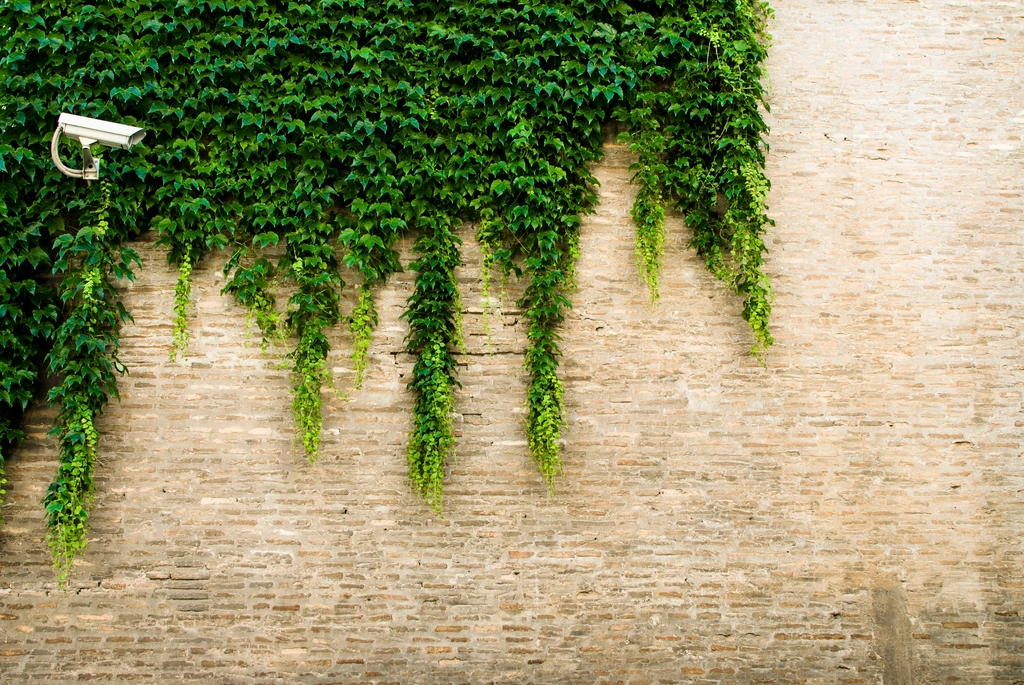
A security camera is supposed to protect your home. Set up carelessly, it can expose it instead.
Home cameras record the most private place most people have. Before trusting one with that, it’s worth checking how the company and your own settings protect the footage.
Lock down the account
Most camera break-ins happen through the account, not the hardware: reused passwords, phishing and stolen credentials. So:
- Use a strong password you don’t use anywhere else.
- Turn on two-factor authentication.
- Review which devices and people have access, and remove old ones.
- Keep the app and camera firmware updated.
Who at the company can see your video?
In 2023, Amazon’s Ring agreed to pay $5.8 million to settle Federal Trade Commission charges that it gave employees and contractors broad access to customers’ private videos and failed to put basic security protections in place. The money was set aside for customer refunds.
When choosing a camera, read how the company handles footage:
- Does it offer end-to-end encryption, so only your devices can view recordings?
- Does it explain who internally can access video, and under what conditions?
- How long is footage kept, and can you delete it?
Worth doing
If end-to-end encryption is available, turn it on, but read what it changes first. Some features, such as viewing on certain devices or smart alerts, may stop working.
Cloud or local storage
Cloud storage keeps a copy safe if the camera is stolen, but it lives on the company’s servers and often needs a subscription. Local storage on a memory card or home hub keeps footage in your hands, but you’re responsible for protecting it.
Respect other people
Aim cameras at your own doors, yard and driveway. Avoid pointing them into neighbors’ windows or yards. Be especially careful with audio: many cameras record sound, and state laws restrict recording conversations without consent. Some states require everyone in a conversation to agree. If in doubt, turn audio recording off.
Verdict
A good camera setup is mostly good account security. Choose a company that is clear about who can see your footage, then keep that list short.
For the rest of your connected devices, see the smart home privacy checkup. Old camera and smart home accounts are worth closing too, as explained in cleaning up old online accounts.
The essentials
- Protect the camera account with a strong, unique password and two-factor authentication.
- In 2023, Ring agreed to pay $5.8 million over FTC charges that employees and contractors could access customers’ videos.
- Look for end-to-end encryption options and clear limits on who at the company can see footage.
- Point cameras at your own property, and be careful with audio recording, which state laws restrict.
Reader questions
Should I put cameras inside my home?
Think carefully. Indoor cameras capture the most private moments. If you use them, consider models with a physical shutter or a schedule that turns them off when you’re home.
Is local storage safer than the cloud?
It keeps footage off the company’s servers, but you’re responsible for the device’s security and for keeping the footage if the camera is stolen. Each option has trade-offs.
Can I record my neighbor’s yard?
Point cameras at your own property. Recording into private areas of other homes can create legal and neighborly problems, and audio recording is restricted by state wiretap laws.
We describe how services generally work; features, settings and terms change often, and they differ between companies. This is general information, not legal advice. Check the provider’s current policies and official sources such as FTC.gov.